
Website Optimization: A Practical Guide for Marketers
Website optimization is the ongoing work of improving a site's speed, content, usability and search visibility so that more visitors reach it and more of them do what you want. Hostinger describes it as a continuous, data-driven process covering code, server configuration, content and design. This guide shows what that covers in practice, how to audit a site, which metrics to track, and how to test each change instead of guessing.
TL;DR
- Website optimization is broader than SEO: it combines performance, UX, content, analytics and conversion rate optimization (CRO).
- Start with an audit of your highest-traffic pages and most important conversion paths, not every URL.
- Fix speed first, because slow pages undermine every other improvement.
- Pick one business outcome per cycle, then A/B test changes against it.
- Treat it as a loop, not a project: measure, change, test, repeat.
Table of Contents
- What website optimization actually covers
- Website optimization vs. SEO
- Start with speed
- How to audit your website
- Set up measurement before you change anything
- Test changes instead of trusting opinions
- Perspective: speed and testing should not fight
- Run your first experiments with Stellar
- Keep it going: optimization is a loop
- FAQ
- Sources
What website optimization actually covers
The phrase gets used loosely, so it helps to name the parts. The American Marketing Association lists SEO, content, web analytics, user experience, web design and development, and conversion-rate optimization as complementary pieces of the same effort. Conductor frames it the same way: an ongoing, cross-functional effort across performance, usability, conversion rate, SEO and content.
In practice, most teams work in five areas:
- Search visibility. Crawlability, indexing, titles, content and links.
- Speed and performance. How quickly pages load, respond and stay stable.
- Usability. Navigation, mobile layout, accessibility, forms.
- Measurement. Clean analytics, defined goals, trustworthy events.
- Conversion optimization. Testing headlines, offers, layouts and flows.
The first four create the conditions. The fifth turns them into revenue, and it is the only one that gives you proof of cause and effect, because it compares versions side by side.
Website optimization vs. SEO
SEO is one part of the whole. Conductor says SEO is mainly about discoverability and visibility in search results, while website optimization also takes in UX, CRO, performance and the full visitor journey.
Nielsen Norman Group draws the line cleanly: SEO attracts people before the first click, while usability shapes behavior after they arrive and drives conversion. You need both. A page that ranks but confuses visitors wastes the traffic you earned. A beautifully clear page nobody finds does the same.
A quick test for where a problem sits:
| Symptom | Likely area | First thing to check |
|---|---|---|
| Few visits from search | SEO | Indexing, titles, content match |
| Visits but high bounce | Speed or relevance | Load time, message match with the ad or query |
| Visits but few sign-ups | Usability and CRO | Form length, call to action, trust signals |
| Strong data on some pages, none on others | Measurement | Event tracking and goal setup |
Start with speed
Performance is the foundation, and the evidence is consistent. MDN notes that poor performance increases abandonment, while cutting download and render time improves conversion rates and retention. web.dev ties it to the whole journey: fast first loads support discovery, fast navigation supports engagement, and stable, responsive calls to action support conversion.
Google's Core Web Vitals give you concrete targets. According to web.dev, a good experience means Largest Contentful Paint within 2.5 seconds, Interaction to Next Paint of 200 milliseconds or less, and Cumulative Layout Shift of 0.1 or less, measured at the 75th percentile of page loads.
Two practical points for marketers:
- Every script you add has a cost. Tag managers, chat widgets, heatmaps and testing tools all load code. Audit what runs on your key pages and remove what you no longer use.
- Your testing tool is one of those scripts. Many testing tools add a visible flicker or delay. That is why we built Stellar's script at 5.4KB. If you want the longer argument, read our piece on why page speed matters for marketers and how speed and UX drive results.
How to audit your website
Semrush defines an audit as a comprehensive analysis of performance, structure, usability and content, meant to identify improvements for UX, SEO and goal achievement. The method below keeps it manageable.
Step 1: Define the problem
Write one sentence: "Trial sign-ups from paid landing pages are down" or "Product pages get traffic but few add-to-carts." An audit without a business question turns into a list of 400 minor warnings.
Step 2: Limit the scope
For larger sites, Semrush recommends focusing first on high-traffic pages and the most important conversion paths rather than auditing every page. Pull your top 10 landing pages by sessions and your top 3 conversion paths (for example, home to pricing to sign-up).
Step 3: Check the technical basics
Yoast's checklist suggests crawling the site, reviewing Analytics and Search Console data, and checking content, canonical tags, schema, mobile responsiveness and Core Web Vitals. Fix broken pages, redirect chains and slow templates before you test anything. Otherwise those problems stay in your data as noise.
Step 4: Look at how people behave
Next, find where visitors drop off. Look at funnel steps, scroll depth, form abandonment and device splits. If you want a method for deciding which behaviors deserve attention, this guide to optimizing landing pages covers how to read visitor interactions and choose what to change.
Step 5: List hypotheses and rank them
Turn each finding into a testable statement: "Shortening the form from seven fields to four will raise completions because mobile users abandon at the phone number field." Rank by likely impact, effort and traffic. Pages with low traffic produce test results too slowly to be worth your time, so start where the volume is.
Set up measurement before you change anything
MDN suggests tracking conversion rate, time on site and Net Promoter Score as KPIs that connect performance and user experience with business goals. Pick the one that matches your goal and treat the others as context.
Before running experiments, make sure the data is trustworthy:
- Name events consistently (one "signup_completed", not three variants).
- Define what counts as a conversion and who owns that definition.
- Check that goals fire on every device and browser you care about.
- Record your baseline for at least a full business cycle, usually two weeks or more.
Unicorn Platform's 2026 guide recommends one primary business outcome per optimization cycle and linking each core page to one funnel job and one measurable behavior. That discipline is worth copying: a page that tries to do four jobs usually does none well.
Test changes instead of trusting opinions
Audits give you hypotheses, not answers. An A/B test splits visitors between the current page and a variant, then compares a single goal. It protects you from the most common optimization mistake: shipping a redesign that feels better and quietly lowers conversions.
A workable testing loop looks like this:
- Choose one page and one goal.
- Change one meaningful element: headline, offer, form, layout or call to action.
- Split traffic evenly and let the test run for full weeks, so weekday and weekend behavior both appear.
- Decide the stopping rule in advance. Do not stop the moment a variant pulls ahead.
- Ship the winner, log what you learned, and pick the next hypothesis.
Good first tests tend to be on pages with message problems or friction. Our guides on fixing copy and form friction on landing pages, designing landing pages that convert leads and validating marketing ideas before you test walk through specific examples. If you run a store, ecommerce conversion techniques that protect speed are a good next read.
What to test first
| Area | Example test | Typical goal |
|---|---|---|
| Headline | Benefit-led vs. feature-led | Click to next step |
| Form | Seven fields vs. four | Form completion |
| Call to action | Button text and placement | Click-through |
| Social proof | Reviews near the button vs. lower down | Add to cart or sign-up |
| Ad message match | Headline echoes the search term | Landing page conversion |
For the last row, dynamic keyword insertion swaps the headline to mirror the visitor's search term, so a page can feel specific to each campaign without building dozens of copies.
Perspective: speed and testing should not fight
We see the same pattern with small teams. They invest in an audit, find ten promising ideas, then install a heavy testing tool that slows every page it touches. The test costs some of the conversions it was meant to win.

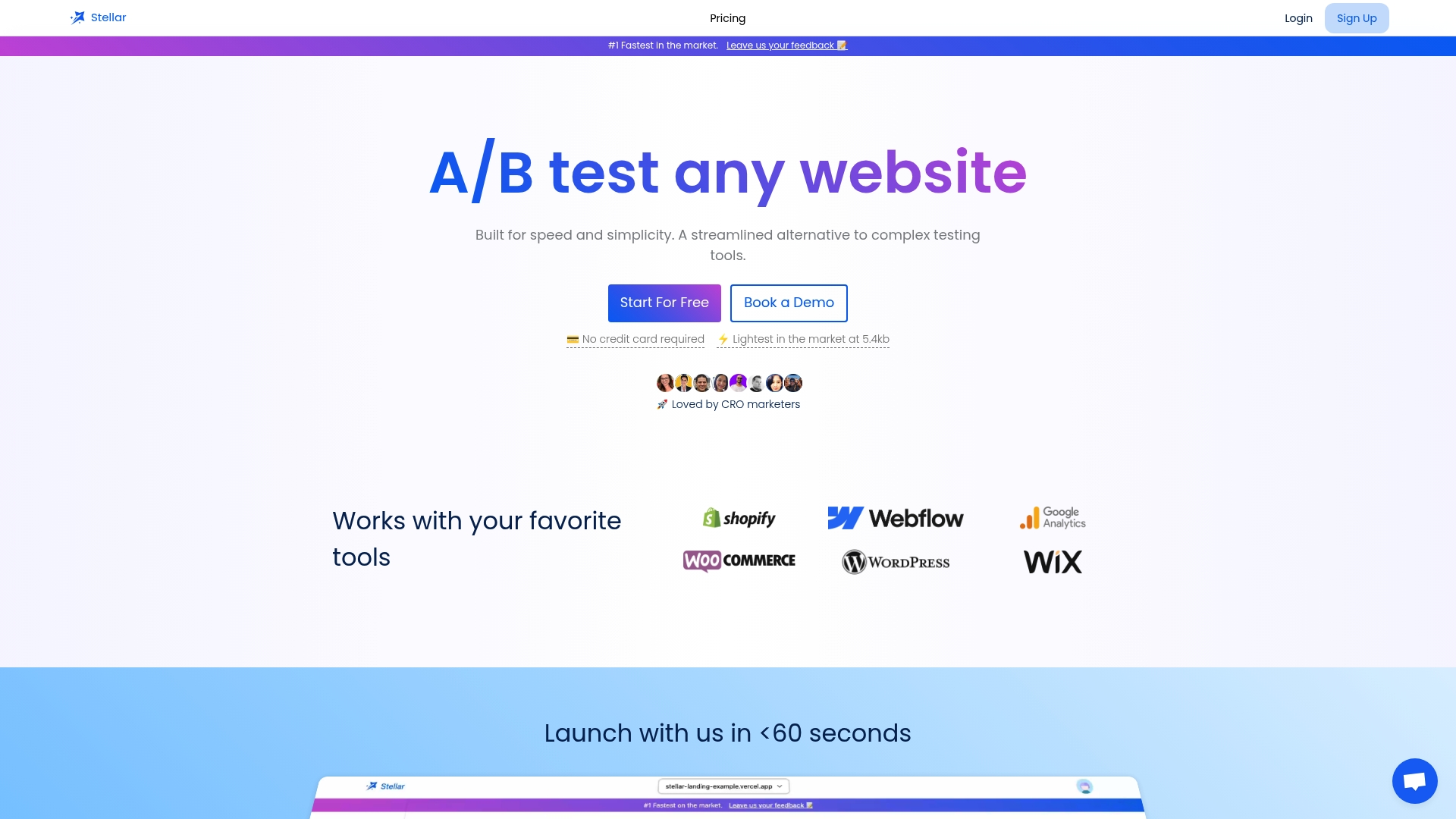
Our view is that optimization tools should be judged by the same standard as the pages they improve. If a tool adds weight, it needs to earn it. That is why Stellar is built around a lightweight script and a no-code visual editor: a marketer should be able to launch an experiment the same afternoon they think of it, without waiting on a developer and without adding drag to the site.
We also think most small and mid-sized teams over-plan and under-test. A rough hypothesis tested this week teaches more than a perfect roadmap tested next quarter. Start with the page that matters most, measure honestly, and let the results set your next move.
— Juan
Run your first experiments with Stellar
If you want to turn an audit into live tests, Stellar gives you a no-code visual editor, advanced goal tracking, real-time analytics and direct integrations with WordPress, Shopify, Webflow, Wix, Squarespace, Framer and Bubble. Pricing is based on monthly tracked users: the Sandbox plan is $0 per month, Plus is $29 per month, Pro is $99 per month, and Scale is $399 per month. Enterprise pricing is not published. You can compare plans and start on the Stellar pricing page.
If you also want a quick way to add social proof to a page you are testing, try the free FOMO popup generator.
Keep it going: optimization is a loop
Siteimprove stresses that optimization is a continuing process rather than a one-off project, since sites need ongoing maintenance, measurement and improvement. Conductor says it works best as a continuous, cross-functional operating process rather than a one-time redesign.
A simple rhythm that works for small teams:
- Weekly: review the dashboard for your primary goal and check running tests.
- Monthly: re-check Core Web Vitals and remove scripts you no longer need.
- Quarterly: repeat a focused audit on your top pages and conversion paths, then rebuild the hypothesis list.
For a broader view of where conversions leak, see our guide to marketing funnel optimization. If you are choosing tooling, our roundup of conversion tools that prioritize speed explains what to look for, and the no-code guide to A/B testing your website covers the setup step by step.
FAQ
What is website optimization?
It is the continuous process of improving a site's code, content, design and structure so it loads faster, is easier to use, ranks better and converts more visitors. It combines SEO, performance, UX, analytics and conversion rate optimization rather than treating any one as the whole job.
What is the difference between SEO and website optimization?
SEO focuses on being found in search results. Website optimization includes SEO and also covers what happens after the click: speed, usability, content quality and conversion. Nielsen Norman Group describes SEO as attracting people and usability as shaping their behavior once they arrive.
What is website performance optimization?
It is the part of optimization that improves loading, rendering and responsiveness. Google's Core Web Vitals set practical targets for loading, interactivity and visual stability, and faster pages are linked to better retention and conversion, as MDN explains.
How do I check my website's optimization?
Define the business problem, then audit your highest-traffic pages and key conversion paths for technical health, speed, mobile usability, content and UX. Review Search Console and analytics data, check Core Web Vitals, and turn findings into ranked hypotheses you can A/B test.
Sources
- What is website optimization and how to do it? (Hostinger)
- Website Optimization for Businesses: Why It's Essential (American Marketing Association)
- How to Get Started with Website Optimization (Conductor)
- SEO and Usability (Nielsen Norman Group)
- The "why" of web performance (MDN)
- How can performance improve conversion? (web.dev)
- Web Vitals (web.dev)
- How to do a website audit in 2026 (Semrush)
- How to perform an SEO audit (Yoast)
- The business case for web performance (MDN)
- Business-Aligned Website Optimization (Unicorn Platform)
- Website optimization: how to successfully optimize your site (Siteimprove)