
Testing 1, 2, 3: Why We Say It and What a Mic Check Tests
People say "testing 1, 2" or "testing 1, 2, 3" into a microphone to check that the whole audio chain works: mic, cables, amplification and speakers. The words are easy to say and need no thought. They are also a habit more than a precise instrument, and a few better phrases give a sound operator much more to work with.
This guide covers where the phrase comes from, what the person at the mixing desk is listening for, which phrases work better, and how to test a mic on a laptop or video call. It ends with a lesson from our own field, A/B testing: every good experiment starts with a check that the system works before you trust what it tells you.
TL;DR
- "Testing 1, 2, 3" is a full system test of microphone, cables, amplification and speakers. Almost any vocal sound would do the job, and these words are just easy.
- Sound engineers pick short phrases like "check, one, two" because their consonants and vowels exercise different parts of the frequency range.
- For a better check, speak a few full sentences as you will during your talk, at the volume and distance you will use.
- On a laptop or video call, test output first, then input, then play back a recording.
- The same discipline applies to experiments: run a check before you trust the results.
Table of Contents
- Why people say "testing 1, 2, 3" into a microphone
- What the sound operator is listening for
- Is there something special about the numbers?
- Better phrases for a real sound check
- How to check a microphone on a laptop or video call
- A quick mic-check routine
- The same idea in A/B testing: check the system first
- Run your first experiment with Stellar
- FAQ
- Sources
Why people say "testing 1, 2, 3" into a microphone
The plain answer is that a mic check is a test of everything between your mouth and the audience's ears. One contributor on Music Stack Exchange describes it as a complete system test that finds problems in the microphone, cables, amplification and speakers. "Testing one, two" does the job and needs little thought.
That last point matters. The same thread notes that any kind of vocalization would accomplish the task. Counting is simply what most people reach for when someone hands them a mic and says "say something." The reference site Wiktionary lists "testing, testing" as an interjection used to check loudspeakers such as microphones and intercoms, with "testing 1-2-3" as an alternative form.
There is also a tradition at work. A commenter on the same Music Stack Exchange thread says "Testing, one two..." is traditional and still very much in use. Theater and TV crews sometimes ask performers to say what they had for breakfast, because actors find that easy and natural to answer.
The pop culture layer
Part of the phrase's spread is likely cultural. One commenter on a Gearspace discussion credits a 1990s Saturday Night Live Wayne's World sketch, with Tom Hanks as an Aerosmith roadie, as an early use. Another points to Ben Stiller in Keeping the Faith (2000). These are forum recollections, not documented history, so treat them as color rather than fact.
A sound-industry forum thread from 2007 offers a related observation: the phrase became so popular that people outside the industry pick up microphones and say it without knowing the technical reasons behind it.
What the sound operator is listening for
While you count, the person at the desk is working. Paul LaPlaca, a professional sound engineer writing for ProSoundWeb, explains that the operator checks for frequency imbalances and harshness, adjusts EQ for tonal balance, hunts for feedback frequencies, and sets input gain so the level is right.

The words themselves are not random. LaPlaca explains that each word in "check one, two" covers a different part of the human voice's frequency range, so the operator can spot problems fast. He notes that "check" lands anywhere from 2 kHz down to 630 Hz depending on the voice, the "ch" hits the upper mids, and the "eh" helps identify problems in the mids. That makes it a useful tool for filtering out harshness without losing clarity.
Why "check" replaced "testing" for many engineers
A 2007 post on the Blue Room technical forum gives a practical reason. The "ch," "t" and "k" sounds produce high-frequency-heavy impulses that help the operator set gains and EQ. "Testing" was the older word and also carried the troublesome "sss" sibilant sound.
What each part of "testing 1, 2, 3" may reveal
A church-audio blogger, writing in 2010, breaks the phrase down this way, according to Music Ministry Tips:
| Part of the phrase | What it may tell the operator |
|---|---|
| The "s" in "testing" | Treble settings |
| The "t" sounds in "testing" and "two" | Bass settings |
| The phrase at normal speaking voice | Volume level |
| Soft, speaking and emphatic repeats | A rough idea of compression settings |
| The room's response after each word | An estimate of reverb and acoustics |
These are one practitioner's observations, and forum users disagree on the details. One Gearspace commenter felt "one" helps you hear low end and midrange and "two" the top end. The common thread is that a short, punchy phrase packs several sound types into a second or two.
Is there something special about the numbers?
No. The digits carry no technical meaning of their own. They are a counting sequence that is easy to say and gives the operator a few seconds of steady speech. The Music Stack Exchange thread makes the same point: any vocalization works.
What matters is what the words contain. Corys, an audio training company, argues that "testing 1, 2, 3" is the universal mic check, but the numbers do not represent natural speech. They miss sharp consonants, soft vowels and the rhythm of real talking, so audio problems can slip past unnoticed.
The habit also varies by language. On a language forum, users report that in Mexico people say "bueno, bueno, 1,2,3 probando," and in Colombia, "ssssssonido, si si, sonido, sonido, 1,2,3 probando" according to WordReference Forums. Counting is nearly universal. The words around it are local.
Better phrases for a real sound check
If you are about to speak or sing to a room, the most useful thing you can do is stop counting and talk the way you will on stage.
Speak your actual material
Corys recommends speaking a few full sentences exactly as you will during your presentation, walking around the stage, projecting your voice and then softening it. That gives the audio team real information to work with. Do this at the distance from the mic you will actually hold.
Use phonetically balanced sentences
The Harvard sentences are a classic option. According to a presentation-coaching blog, they were developed in the early 1940s and include 72 lists of 10 lines each, produced during World War II to make military communications clearer. They are balanced to cover the full range of sounds people hear in conversation. Corys describes them the same way: short, phonetically balanced phrases that audio engineers use to test microphones, telephone systems and broadcast equipment for clarity.
A sample line from the list is "The birch canoe slid on the smooth planks." Read a few lines at your normal pace and volume.

Target sibilance and consonants on purpose
A thread on the ControlBooth forum says "check, one, two" is fine for a quick line check, but it mainly shows how the system handles consonants and sibilance. Contributors suggest phrases built on other sounds, such as a run of "S" words, to probe sibilance directly.
Do not drag it out
A Music Stack Exchange contributor cautions that prolonged sound checks and "ringing out" often point to bad equipment, a bad setup, or an attempt to run the show far too loud. Effective checks take experience and skill, and a short, honest check beats a long one.
How to check a microphone on a laptop or video call
On a computer you are usually both the speaker and the operator. The order of the checks matters.
- Test output first. A speaker-and-microphone testing tool recommends playing a controlled signal through each speaker before testing the mic. That order separates silent speakers, blocked input and poor recording quality.
- Test input next. Confirm the selected microphone reacts when you speak. A live waveform helps. A diagnostics site reports that most "broken mic" problems are really permission issues, the wrong input device, or muting at the operating system or hardware level.
- Record and play back. Nureva's support documentation advises recording your voice while walking around the room at normal volume. Playback shows whether the mics captured you correctly. Heavy reverberation or echo may mean the room needs acoustic treatment.
- Diagnose by symptom. An audio-test app explains the logic: if people cannot hear you, test the input. If you cannot hear them, test the output.
For a Microsoft Teams test call, a university IT knowledge base says that saying "Testing 1 2 3 4 testing" is enough, after which the system records and plays the audio back.
A note on levels
Online tools often show levels in dBFS, which tells you how close the signal is to the loudest level your device can handle. A sound-test site points out that measuring real loudness in decibels needs a calibrated microphone, and the ones in laptops, headsets and phones are not calibrated. Use the meter to compare levels and avoid clipping, not to measure how loud you are in absolute terms.
A quick mic-check routine
- Stand where you will stand and hold the mic as you will hold it.
- Say two or three full sentences from your actual talk at normal volume.
- Repeat one sentence softer, then with emphasis, so levels can be set for your range.
- Move around the space you will use and listen for ringing or feedback.
- Listen to a recording if you can. Your ears in the room are not the audience's ears.
- Stop when the operator says they are set.
Our take on testing before you trust
We build an A/B testing tool, so we think about checks all day, and the mic check is a good model for how to run experiments. A "testing 1, 2, 3" tells you the chain works end to end before the audience arrives. An experiment needs the same thing before you act on its results.
The sound-check lesson is that a convenient test can hide problems. Counting numbers misses sharp consonants. In the same way, a quick glance at a dashboard can miss a broken goal, a skewed traffic split or a variant that flickers on load. That is why we designed Stellar around a lightweight script and a no-code visual editor: so marketers can launch experiments quickly without waiting on developers, and spend their effort on checking that tracking works rather than fighting setup.
Our approach is to make the checking visible. Real-time analytics and advanced goal tracking let you confirm an event is firing before you read a single conclusion. We think a team that checks the system first makes better decisions than one that runs more tests.
Juan
The same idea in A/B testing: check the system first
In experimentation, the equivalent of a mic check has a name: an A/A test, where both groups see the same page. If the tool reports a winner between two identical experiences, something is wrong with traffic splitting, tracking or analysis. Our guide on catching SRM, A/A and logging errors walks through a quick triage.
A few parallels hold up well:
| Audio sound check | A/B testing check |
|---|---|
| Output before input | Confirm the page and variant render correctly before checking data |
| Is the mic producing any signal? | Is the goal event firing at all? |
| Real sentences, not just counting | Test on real traffic and real devices |
| Playback to hear what the audience hears | Review the experiment as a visitor would see it |
| Short, focused check | Fixed plan, no peeking early |
Once the setup is verified, the next step is reading results correctly. Our walkthrough on analyzing test results covers that, and the overview of types of web testing helps you pick the right check for each stage. If you are wondering about cadence, see how often to test.
Run your first experiment with Stellar
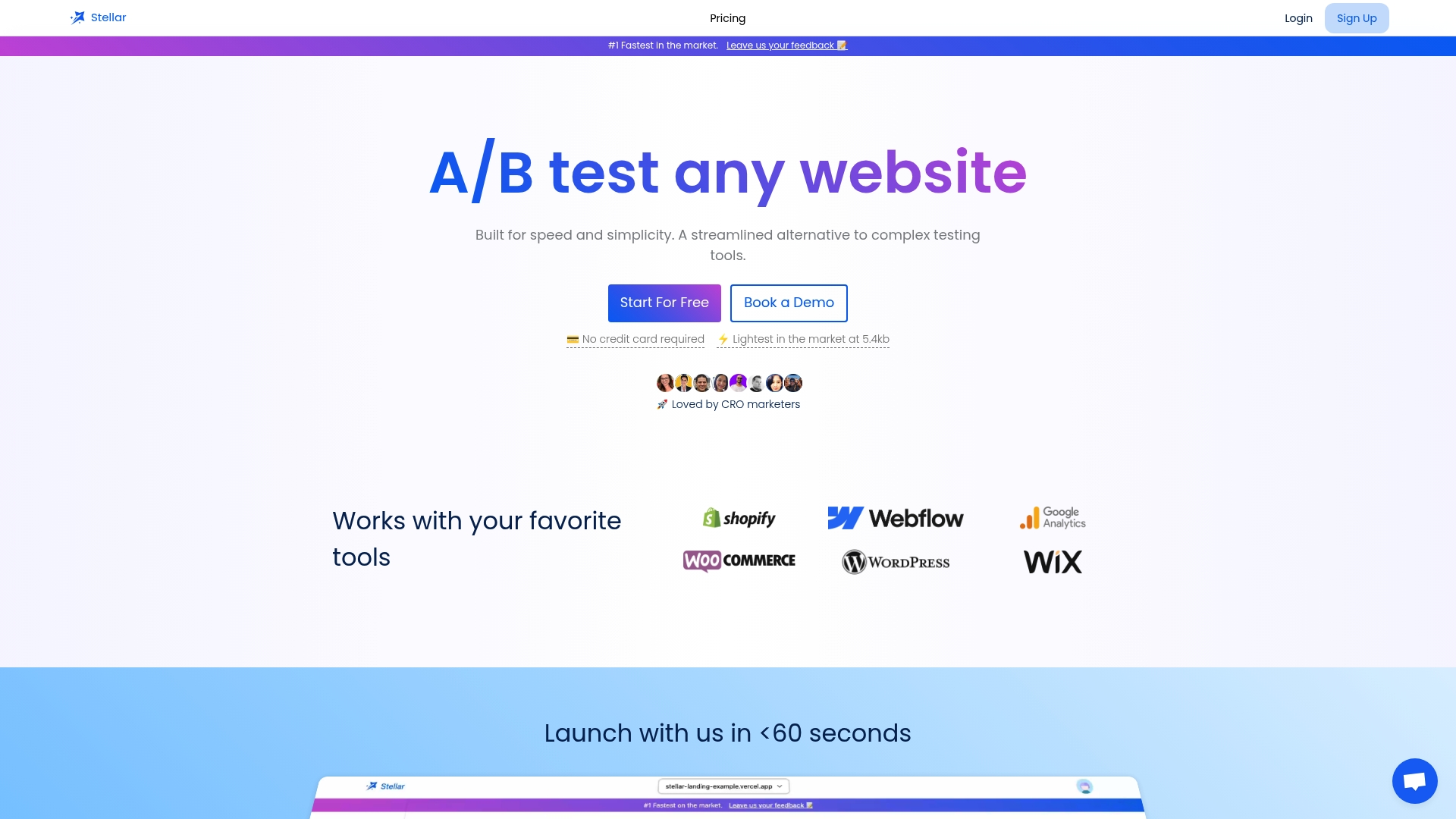
If you are a marketer, growth lead or store owner who wants to test pages without a developer, Stellar is built for that. The visual editor is no-code, the script is designed to be as light as possible (our claim is 5.4KB), and the tool connects directly with WordPress, Shopify, Webflow, Wix, Squarespace, Framer and Bubble.
Plans are tiered by monthly tracked users. Sandbox is $0 per month, Plus is $29 per month, Pro is $99 per month and Scale is $399 per month. Enterprise has no published price. Our site describes the free plan as suited to businesses with fewer than 25,000 monthly tracked users. See the plans on our homepage to choose the one that fits your traffic.
FAQ
Why do people say "testing 1, 2, 3" when checking a microphone?
It is a quick, easy-to-say phrase that exercises the whole chain of microphone, cables, amplification and speakers. Almost any vocalization would work, but counting needs no thought. Over time it became the default, helped by repetition in film and TV.
What is a sound operator checking during a mic test?
The operator listens for harshness and frequency imbalances, adjusts EQ, searches for feedback frequencies and sets input gain. Short phrases with strong consonants help reveal these quickly. Speaking real sentences at your actual volume gives the operator the most useful information.
Is there a better phrase than "testing 1, 2, 3"?
Yes. Speak a few sentences from your actual talk, or read lines from the Harvard sentences, which are designed to cover the sounds of English speech. Vary your volume from soft to emphatic. Phrases that stress sibilant sounds can help check for harshness.
How do I know whether my mic or my speakers are the problem?
Test output first by playing a sound through your speakers, then test input by speaking and watching for a signal. If others cannot hear you, the problem is with input. If you cannot hear them, check output. Permissions and the selected device are common culprits.
Sources
- Origin of microphone testing, Music Stack Exchange
- testing, testing, Wiktionary
- testing, testing, one, two, sibilance, Gearspace
- One, Two, Blue Room technical forum
- On Three, You Lift: Methods Behind The Madness, ProSoundWeb
- Unfolding "Testing 1-2-3", Music Ministry Tips
- How to Test a Microphone, Corys
- Microphone Test Phrases Every Presenter Should Know, ethos3
- Microphone Testing, ControlBooth
- Speaker and Microphone Test
- AVTester.com
- Testing speakers and microphones, Nureva support
- Audio Tests, SetupCheck
- How To Test Microsoft Teams Audio and Video, Tarleton State University
- Sound Test